

Updated November 19, 2026. Google has released a new broad core update, and website owners are watching their search traffic closely. If your clicks or rankings have moved since November 10, the update might be one possible reason—but a sudden decline does not automatically mean Google has penalized your site.
This guide explains what Google has actually confirmed about the November 2026 core update, how to check whether your traffic has changed, and what you can do to improve a WordPress, WooCommerce, or other business website without making a rushed SEO mistake.
What Google confirmed about the November 2026 core update
According to the official Google Search Status Dashboard, the November 2026 core update began on November 10, 2026, at 10:06 a.m. US Pacific time. Google said it applies globally and to all languages, and the rollout may take up to two weeks.
As of November 19, 2026, the official dashboard has not marked the rollout as complete. That matters: results may continue changing during the rollout, and the final impact cannot yet be judged reliably.
Google has not published a list of exact ranking factors changed in this update. Claims that it specifically targets one plugin, every AI-written article, or one website platform should be treated skeptically unless Google provides evidence.
What is a Google core update?
A core update is a broad change to the systems Google uses to assess and rank content across Search. Its purpose is to improve the relevance and usefulness of results. Unlike a manual action, a core update is not necessarily a punishment for violating a rule.
Think of it as a reassessment of which pages best answer a search. Some websites may gain visibility, others may lose it, and many will see little meaningful change. A page that slips in results is not automatically low quality or technically broken. Google’s own core update guidance makes this distinction clear.
Why might your website traffic drop after the update?
1. Other pages may now answer the search better
A competing guide might explain the issue more completely, show clearer examples, or satisfy the visitor’s intent better. Compare the pages that lost the most visibility with the pages currently appearing for those queries. Look for useful differences, not tricks to copy.
2. Your content may not match what searchers want
A person searching “WooCommerce checkout not working” usually wants diagnosis and fixes, not a generic sales page. A page that gives a practical checklist, warning signs, and next steps may serve that search more effectively. Our guide to fixing WooCommerce checkout problems is an example of a problem-first topic.
3. There may be a technical or indexing issue unrelated to the update
A sudden traffic collapse can also come from a noindex directive, a broken canonical, downtime, redirects, server errors, or accidentally blocking crawlers. Review the Page indexing, Security issues, and Manual actions sections in Search Console before blaming the algorithm. If Google reports “Crawled – currently not indexed,” follow a specific indexing diagnosis rather than treating it as proof of a core update effect.
4. Search demand, seasonality, or search-result layouts may change
If fewer people search for a topic, impressions can fall even if your rankings stay relatively stable. Meanwhile, changes in how search results appear may affect clicks. Compare query impressions, average position, and click-through rate; they answer different questions.
5. Thin, repetitive, or outdated pages may need improvement
Pages that offer little beyond a headline, copy other sources, repeat the same advice across many URLs, or describe outdated procedures are reasonable candidates for a quality review. This does not mean every older or AI-assisted article must be deleted. Improve pages where there is a clear gap in usefulness.
How to check whether the November update affected your site
Use this repeatable process with your own evidence. During the rollout you can establish a baseline and monitor trends, but avoid declaring a definitive outcome too early.
- Open Google Search Console and select the correct website property.
- Go to Performance → Search results. Enable Total clicks, Total impressions, Average CTR, and Average position.
- Review the period before November 10 and the days since November 10. Keep a note of the baseline, but remember that recent data and rollout-period rankings may change.
- When Google marks the rollout complete, wait at least one full week, then compare that week with a comparable week before the update began, as Google recommends.
- Use the Pages and Queries tabs to find the URLs and searches with the largest sustained declines. Break results down by country, device, and search type if relevant.
- Check Page indexing, the affected URLs with URL Inspection, and any Security or Manual Actions reports. Investigate a technical outage separately from a ranking shift.
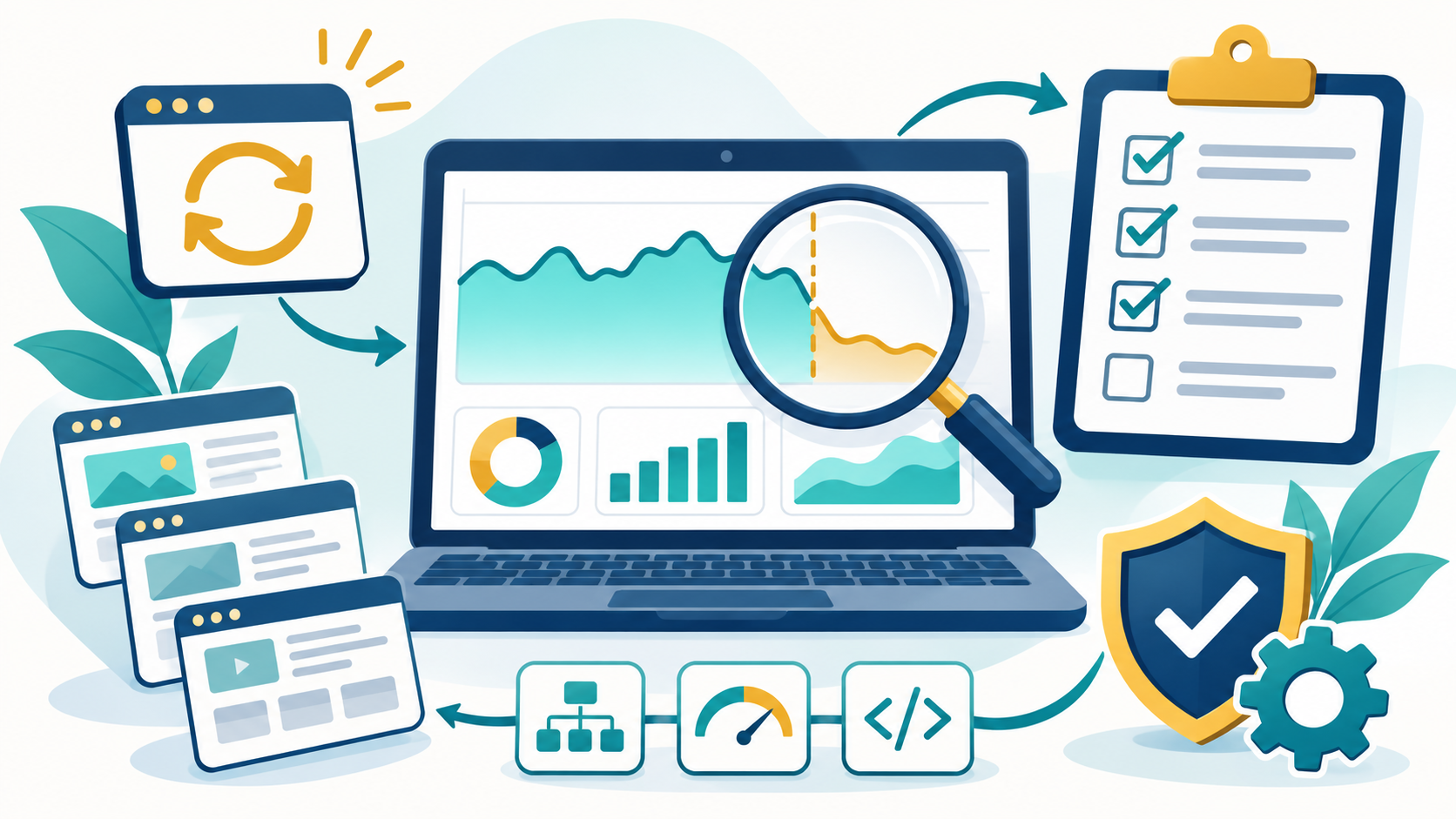
For more detail, Google’s own traffic-drop troubleshooting guide explains how to distinguish ranking changes, technical issues, seasonal demand, and reporting differences.
Reading your Search Console results: what the patterns suggest
- Clicks down, impressions steady: investigate lower click-through rate, shifted positions, or search-result presentation before assuming visibility has vanished.
- Impressions and clicks down across many pages: check both major ranking movements and site-wide crawling, indexing, or security problems.
- Only a few pages down: review those pages and their specific queries; a site-wide rewrite is probably premature.
- Average position slightly worse: minor fluctuations are common and might not justify substantial edits.
- Indexed pages suddenly disappear: prioritize technical checks such as noindex, robots.txt, HTTP errors, canonicals, and redirects.
A sensible Google core update recovery plan
Step 1: Save your baseline before changing anything
Export Search Console performance data and note important landing pages, search queries, and recent deployments. If the site recently changed themes, plugins, caching, redirects, or hosting, document those changes. This creates a useful record rather than relying on memory.
Step 2: Fix genuine technical problems first
Repair real server errors, mobile usability failures, broken internal links, incorrect canonical URLs, and accidental noindex settings. For WordPress sites, ensure that key pages work when logged out and that caching or JavaScript optimization has not hidden essential content. If performance is poor, use our WordPress speed optimization checklist as a starting point.
Step 3: Improve the pages with meaningful declines
Start with a small, evidence-based shortlist instead of rewriting the entire blog. Make each page more useful by answering the visitor’s main question earlier, updating facts and screenshots, adding original troubleshooting details, improving navigation, and removing unsupported claims. Preserve content that is already accurate and useful.
Step 4: Strengthen site structure
Connect related articles through descriptive internal links, make important pages easy to reach, and remove dead ends. For WooCommerce stores, review category navigation, product information, return policies and broken checkout steps. Relevant links should help real people discover answers—not simply increase an SEO plugin score.
Step 5: Review your titles and search snippets
Check whether the title accurately describes the page, includes the core topic naturally, and makes a clear promise that the article fulfils. Avoid exaggerated titles that suggest guaranteed recovery or “secret ranking factors.” A Rank Math focus keyword is useful for editing guidance, but entering a phrase in that field alone does not improve Google’s rankings.
Step 6: Measure improvements over time
Record the date of each meaningful change. Check impressions, clicks, and relevant queries over several weeks and use comparable periods. Some improvements may be reflected in days; others can take months. Google does not promise that every adjustment will produce a ranking recovery.
What NOT to do during the November 2026 rollout
- Do not delete hundreds of posts simply because traffic moved during a still-running update.
- Do not repeatedly change titles, URLs, or keywords each day in response to temporary ranking fluctuations.
- Do not buy low-quality backlinks or automated traffic to “recover” Google rankings.
- Do not add the same focus keyword unnaturally into every paragraph, image description, or heading.
- Do not believe that installing an SEO plugin, achieving a 100/100 optimization score, or requesting indexing guarantees better rankings.
- Do not confuse a core update with a confirmed manual penalty. Check Search Console for actual notices.
Special advice for WordPress and WooCommerce websites
For WordPress, begin with crawlable content, correct indexing settings, healthy hosting, secure updates, and readable mobile pages. For WooCommerce, also verify your product and category templates, variations, internal search navigation, checkout experience, and whether valuable store pages have distinct content. Poor performance can frustrate customers even when a ranking movement is unrelated to site speed.
A small business with few impressions should also be cautious about attributing every daily movement to Google’s update: small samples are especially noisy. Track progress using meaningful longer-term search impressions, indexed pages, and conversions rather than a single day’s clicks.
Frequently asked questions
When did the November 2026 Google core update start?
Google says it began November 10, 2026 at 10:06 a.m. Pacific time. The official rollout estimate is up to two weeks, and it was still ongoing as of this article’s November 19 update.
Can the update affect websites in Nigeria?
Yes. Google says the rollout applies globally and to all languages. That includes websites serving readers in Nigeria as well as international audiences.
Will all sites lose traffic?
No. Some sites can gain, some lose, and many may see little change. The update’s existence is not evidence that your specific site was affected.
How long does SEO recovery take?
There is no guaranteed timeline. Technical fixes may show results after crawling and indexing, while broader content-quality improvements can take longer. Google says improvements may be recognized over days or months and do not always require waiting for another major core update.
Should I stop publishing new articles?
Not necessarily. Publish useful, original content that answers real questions. Avoid rushing dozens of near-duplicate posts solely because an algorithm update is underway.
Final checklist: what to do today
- Confirm the rollout status on Google’s official Search Status Dashboard.
- Save your Search Console baseline and identify your highest-value pages.
- Check for real indexing, availability, or security issues immediately.
- Wait until at least one week after the rollout completes before drawing strong conclusions from the comparison.
- Improve content based on user needs and measured page-level evidence—not speculation.
- Track search visibility and business outcomes after making changes.
Need help diagnosing a WordPress or business website? DevTechi provides SEO services and website technical support for site owners who want to investigate technical issues and improve their websites systematically.