
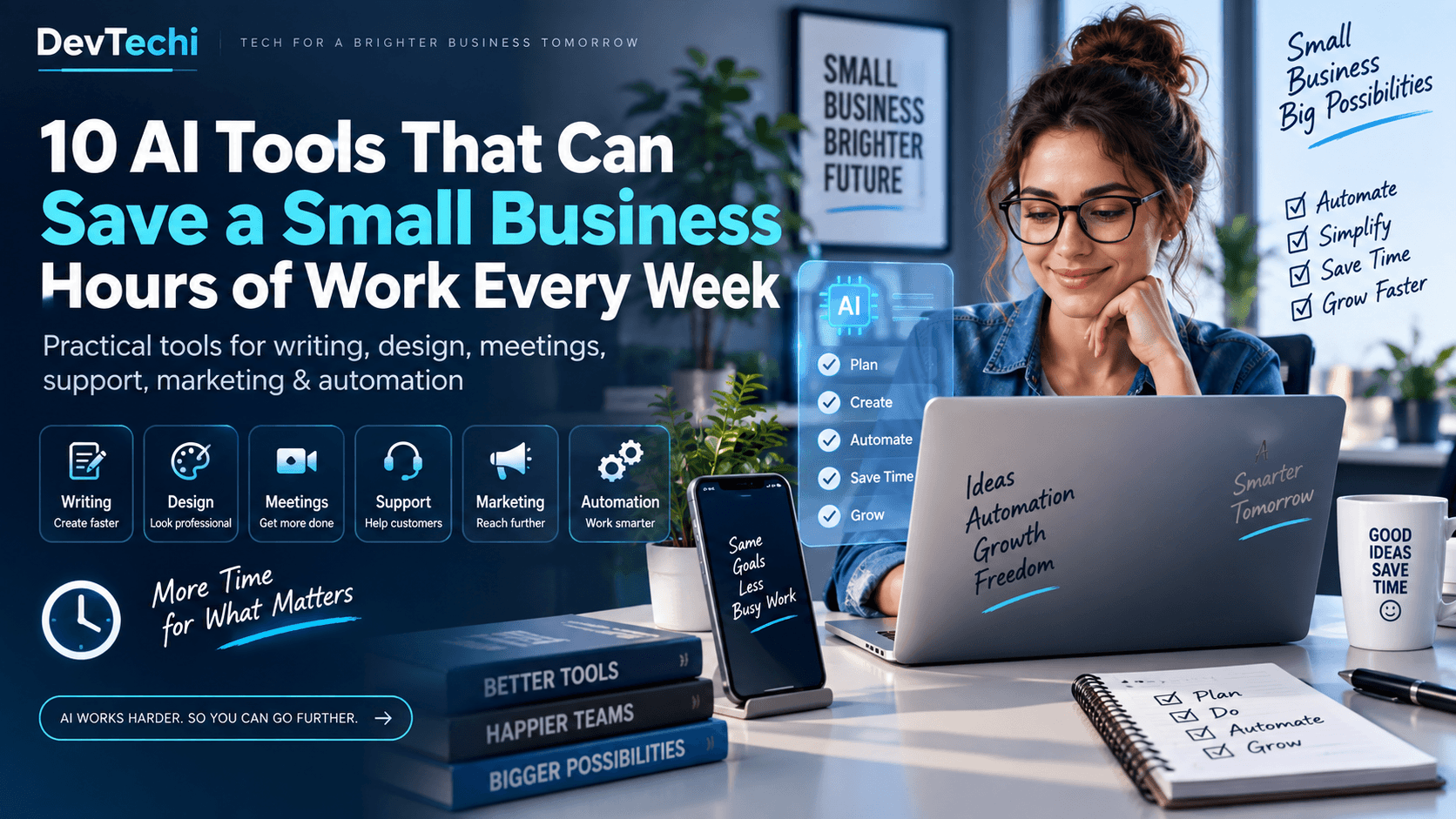
Running a small business often means doing the work of several people at once. You may be answering customers, creating social posts, writing proposals, updating your website, following up with leads, organizing meetings and trying to keep everything moving.
AI will not replace good judgment, but the right tools can remove repetitive work and give you back valuable time. The key is not to collect dozens of apps. It is to choose a few tools that solve specific problems in your business.
Here are 10 AI tools worth knowing if you want to work faster, communicate better and spend more time on the parts of your business that actually generate revenue.
Get more practical AI and technology ideas every week
Join DevTechi Weekly for useful AI tools, website-growth tips, online-business ideas and technology updates.
1. ChatGPT — for writing, research, planning and everyday problem-solving
ChatGPT can help with many of the tasks that normally take a small business owner away from customers and sales. You can use it to draft emails, create marketing ideas, summarize documents, plan campaigns, research topics, turn rough notes into polished content and organize business information.
Best for: owners who need one flexible AI assistant for many different types of work.
How it can save time: instead of starting every email, proposal, article or plan from a blank page, give ChatGPT the context and ask it to create a first draft. You then review, correct and personalize it.
Practical example: paste your rough notes from a customer call and ask ChatGPT to turn them into a professional follow-up email, a list of action items and a short proposal outline.
2. Canva Magic Studio — for graphics, presentations and marketing creatives
Canva Magic Studio combines Canva’s design tools with AI features that can help generate layouts, images, presentations and marketing assets.
Best for: small businesses that regularly need flyers, social media graphics, presentations, product images or simple promotional materials.
How it can save time: instead of designing every asset from scratch, start with an AI-generated concept or template and customize it to your brand.
Practical example: turn a product launch idea into several social graphics, a presentation and promotional variations without hiring a designer for every small task.
3. Google Gemini — for businesses already using Gmail, Docs, Sheets and Google Workspace
Google Gemini is particularly useful if much of your business already runs through Google Workspace. Gemini can help draft and summarize emails, work with documents, analyze information and assist with tasks across Google’s productivity tools.
Best for: businesses that already live inside Gmail, Docs, Sheets, Drive and Calendar.
How it can save time: reduce switching between apps by using AI closer to the information you are already working with.
Practical example: summarize a long email conversation, draft a reply, organize information from a document and help turn spreadsheet data into something easier to understand.
Your AI tools are only as useful as the system behind them
If your business website is slow, broken, difficult to use or not converting visitors into enquiries, adding more AI tools will not solve the underlying problem.
4. Grammarly — for clearer emails, proposals and business writing
Grammarly uses AI to help improve grammar, clarity, tone and structure. Its AI features can also help with first drafts, rewrites and polishing business communication.
Best for: anyone who writes a lot of emails, proposals, reports, customer replies or website copy.
How it can save time: instead of repeatedly editing messages for grammar and tone, Grammarly can surface improvements while you write.
Practical example: turn a rushed customer response into a clearer, more professional message before sending it.
5. Notion AI — for organizing knowledge, projects and recurring work
Notion AI works inside Notion and can help with writing, searching workspace information, summarizing meetings, creating databases and handling repetitive knowledge-work tasks.
Best for: teams that want their notes, tasks, procedures, project information and internal knowledge in one organized workspace.
How it can save time: instead of hunting through documents or rewriting the same information, you can ask questions about your workspace and use AI to turn raw information into structured output.
Practical example: keep customer research, content ideas and project notes in one workspace, then ask AI to summarize what changed this week or create a task list from meeting notes.
6. Zapier — for connecting apps and automating repetitive processes
Zapier connects thousands of business apps and can automate workflows using triggers, actions and AI-assisted steps.
Best for: businesses that repeatedly copy information from one app to another.
How it can save time: automate routine processes that would otherwise require manual data entry or repeated follow-up.
Practical example: when a customer submits a website form, automatically add the lead to your CRM, notify your team and create a follow-up task.
This is where AI becomes more than a writing assistant. It starts becoming part of an actual business workflow.
7. Buffer AI Assistant — for social media ideas and repurposing content
Buffer includes AI tools that can help brainstorm, draft, rewrite and repurpose social media content.
Best for: small businesses that need to maintain a social presence without spending hours writing captions.
How it can save time: turn one idea into several variations for different channels and reduce the time spent staring at an empty social-media composer.
Practical example: take one useful blog post and create several short social posts, each using a different angle for Facebook, LinkedIn or other platforms.
8. HubSpot Breeze — for marketing, sales and customer management
HubSpot Breeze brings AI features into HubSpot’s marketing, sales and customer-service environment. It can assist with content, customer information and workflows inside the CRM.
Best for: growing businesses that already use a CRM or want marketing and sales information organized in one place.
How it can save time: reduce repetitive work around content creation, customer records and follow-up processes.
Practical example: use AI to help prepare marketing copy while keeping the lead and customer information connected to the same system.
Want to turn useful tools into a working business system?
DevTechi helps businesses build and improve websites, ecommerce stores, automation, integrations and custom web solutions.
9. Tidio Lyro — for AI-assisted customer support
Tidio Lyro is an AI customer-support agent designed to answer customer questions using business information you provide and to hand conversations over when human help is needed.
Best for: businesses that receive the same customer questions repeatedly.
How it can save time: handle common questions automatically so you or your team can focus on conversations that actually require judgment.
Practical example: let an AI support agent answer questions about delivery, opening hours, product information or basic policies while sending unusual requests to a person.
10. Otter.ai — for meeting notes and follow-up
Otter.ai focuses on meeting transcription, notes and summaries. For businesses that spend a lot of time in calls, reducing manual note-taking can make meetings much easier to act on afterward.
Best for: consultants, agencies, sales teams and businesses with frequent customer or internal meetings.
How it can save time: capture key discussion points and action items without trying to type everything manually during a call.
Practical example: after a client meeting, use the transcript and summary to prepare next steps instead of relying on memory or handwritten notes.
Which AI tool should a small business start with?
You probably do not need all 10.
Start by identifying the repetitive task that wastes the most time every week. Then choose one tool that directly addresses that problem.
- If you spend too much time writing and thinking through tasks, start with ChatGPT or Gemini.
- If design work slows down your marketing, try Canva.
- If you repeatedly move data between apps, look at Zapier.
- If customer questions consume your day, investigate Tidio Lyro.
- If meetings create more notes than action, try Otter.ai.
- If your team struggles to find and organize information, consider Notion AI.
Do not automate a bad process
AI can make a good process faster, but it can also make a bad process fail faster. Before automating anything important, make sure the underlying workflow makes sense.
For example, automatically sending leads into a CRM is useful only if somebody follows up. Generating ten social posts is useful only if the content is accurate and relevant. Adding an AI chatbot is useful only if it gives customers correct information.
Always review AI-generated output before using it for important customer communication, financial decisions, legal matters or anything that could materially affect your business.
The real goal is not more AI. It is more time.
The most useful AI tool is the one that quietly removes repetitive work from your week.
If a tool saves you 30 minutes here, an hour there and several hours of administrative work each month, that time can go back into serving customers, improving your product, creating better offers or simply running the business with less pressure.
You do not need to transform everything at once. Pick one recurring task, test one tool and measure whether it actually makes your work easier.
AI products, features and plan availability change frequently. Check each provider’s current website before choosing a plan or building a critical workflow around a particular feature.
Is your website helping or slowing down your business?
Before adding more software, make sure the website at the center of your online business is fast, usable and technically healthy.